
After completing the above settings, open a console window as the technical user, “oddc_techuser.”
Navigate to the installation folder and run ar.oddc.server.exe
If everything is working properly, you should see output similar to the following:
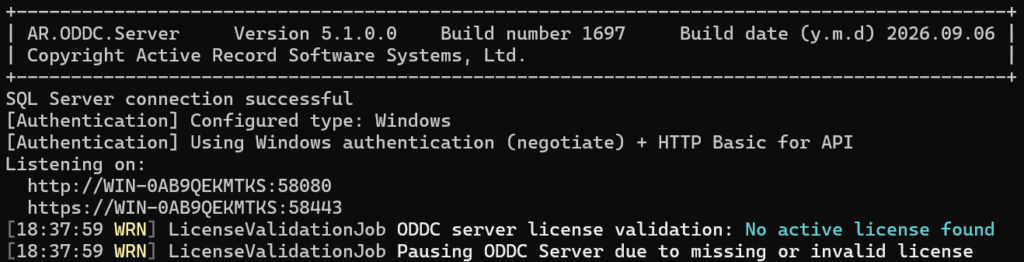
The ODDC Server is up and running!